

Static In Wide Format Printing
Wide Format Printing
Defects caused by static.

SOLUTIONS: The solution is the StaticElastic™. The StaticElastic™ removes static from flexible and rigid materials before they enter the print head area. A Wide Format Kit is also available, including StaticElastic™, magnets for grounding, Staticure Spray & Static Tape.
Getting off the static before printing requires careful placement of the StaticElastic™ – see placement below. The StaticElastic™ is placed across the substrate before it enters the printer. The magnet provides grounding to the machine.
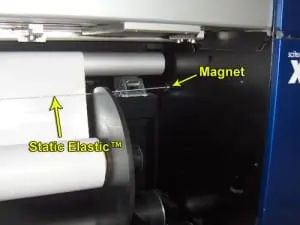
The StaticElastic is placed across the conveyer, under the media, and grounded to the metal of the machine as shown above. The static is removed from both sides of the substrate.
Laminators
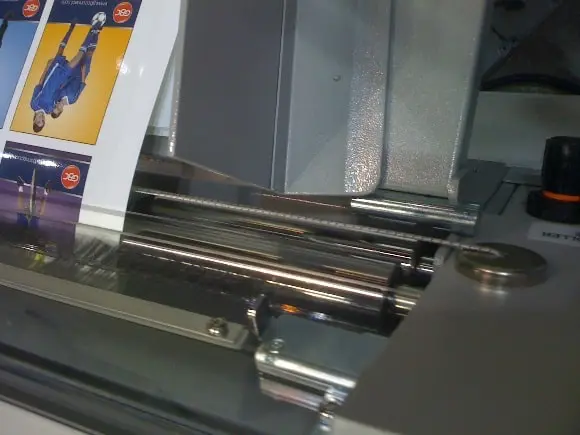
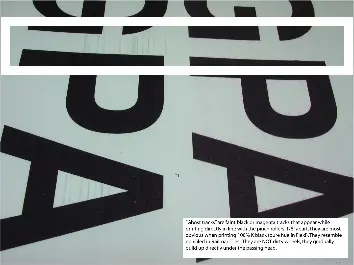
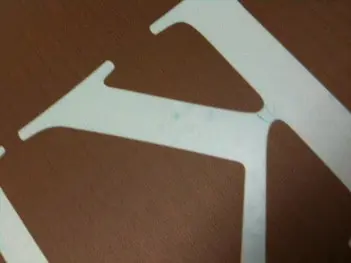
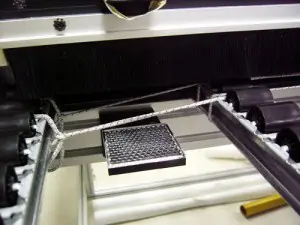
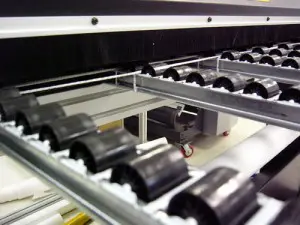
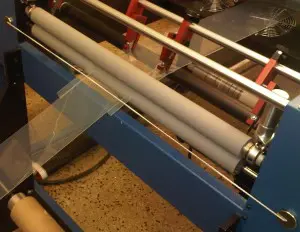
High static on laminating machines causes dust defects and shocks to operators. The StaticElastic™ is placed as shown to eliminate the defects and shocks. Call us if you need help – static shocks can get complicated.
Plotters
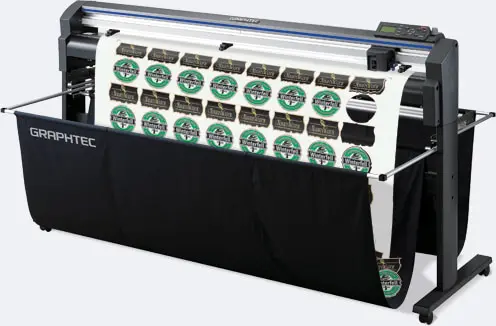
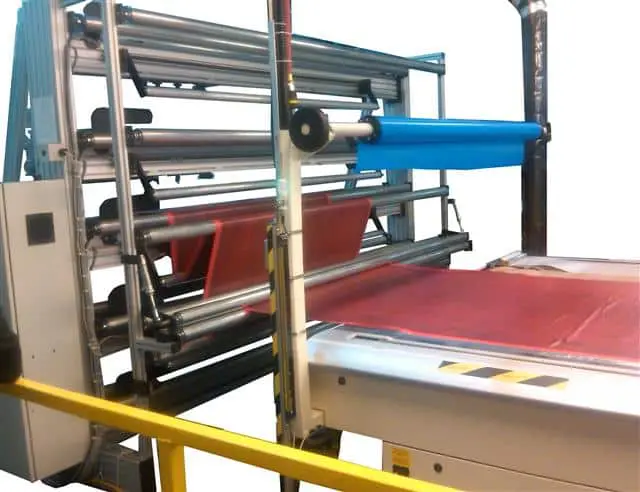
Click here to see the StaticElasticTM on a Graphtec Plotter.
Click here to see how RollsRoller uses it.
Information referenced from StopStatic regarding static in wide format printing can be Found Here.
This reference is offered for educational and informational purposes only.
We are not affiliated with, endorsing, or promoting StopStatic or any specific products, solutions, or services they provide.
Readers should review all products independently and determine what is appropriate for their own needs.